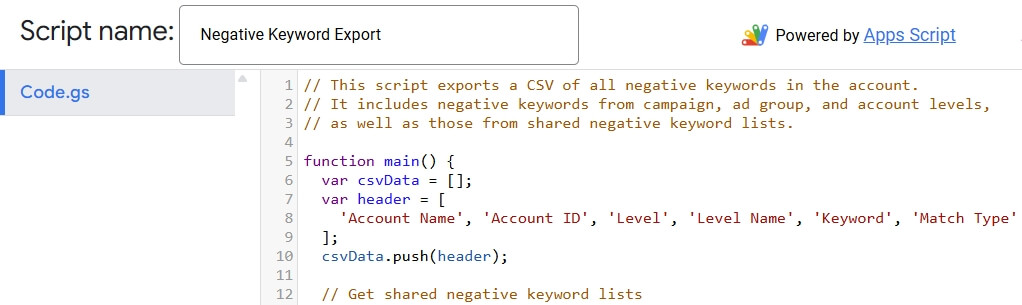
Google Ads does not provide an easy method for reviewing all negative keywords in an account. This can be especially frustrating when working in the Google Ads Editor tool, which only shows the negative keyword lists associated with a campaign, but not the actual negatives in each list. This Google Ads script will create a spreadsheet with all of your negative keywords including account level, campaign level, and ad group level. As well as shared negative keyword lists. If it is your first time using a Google Ads script then you may want to review this guide.Google Ads Export All Negative Keywords Script:
What’s on your mind?
"*" indicates required fields